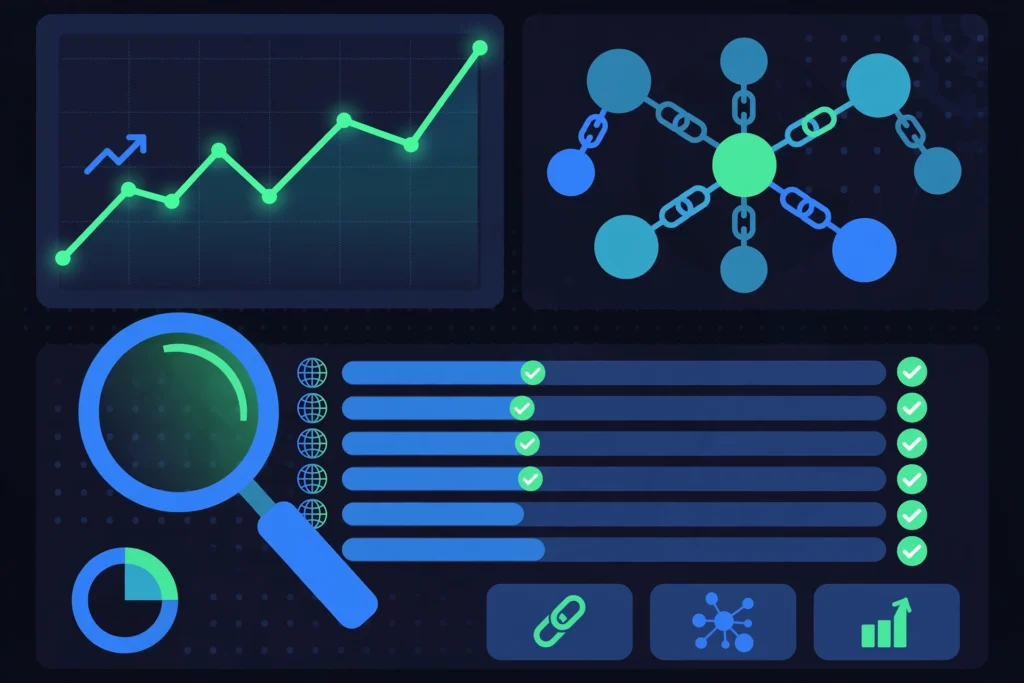
If you buy links, learning how to track backlinks is not optional — it is the difference between an investment and a gamble. A placement you never verify might carry the wrong anchor text, a nofollow tag you didn’t pay for, or it might quietly disappear while the invoice keeps coming. This guide shows you exactly how to track backlinks as a link buyer: verifying placements, monitoring retention, and acting fast when a link vanishes.
Why Link Buyers Must Track Backlinks Differently
Most backlink-tracking guides are written for site owners watching organic links. As a buyer, your job is stricter: every link has a price, a specification, and an expected lifetime. Generic “monitor your link profile” advice misses the three things that matter to you — did the placement match what you paid for, is it still live, and what happens when it isn’t. This guide approaches backlink tracking from the buyer’s side of the table.
How to Track Backlinks: The Buyer’s Verification Checklist
Tracking starts the day a placement goes live — not a month later. Before any bought link enters your monitoring routine, verify these five things:
- Correct target URL: the link points to the exact page you ordered, not the homepage or an unapproved redirect chain.
- Correct anchor text: it matches the anchor you specified, character for character.
- Dofollow as ordered: inspect the markup — a nofollow or sponsored attribute on a link you paid dofollow prices for is a failed delivery.
- Indexed placement page: confirm the hosting page is indexed; a link on a page Google never indexes passes a fraction of the value.
- Editorial context: the link sits naturally in the body content, not a footer, sidebar, or author-bio box you didn’t agree to.
Run this check within 48 hours of delivery. This is the foundation of how to track backlinks as a buyer: trust, but verify — on a schedule.
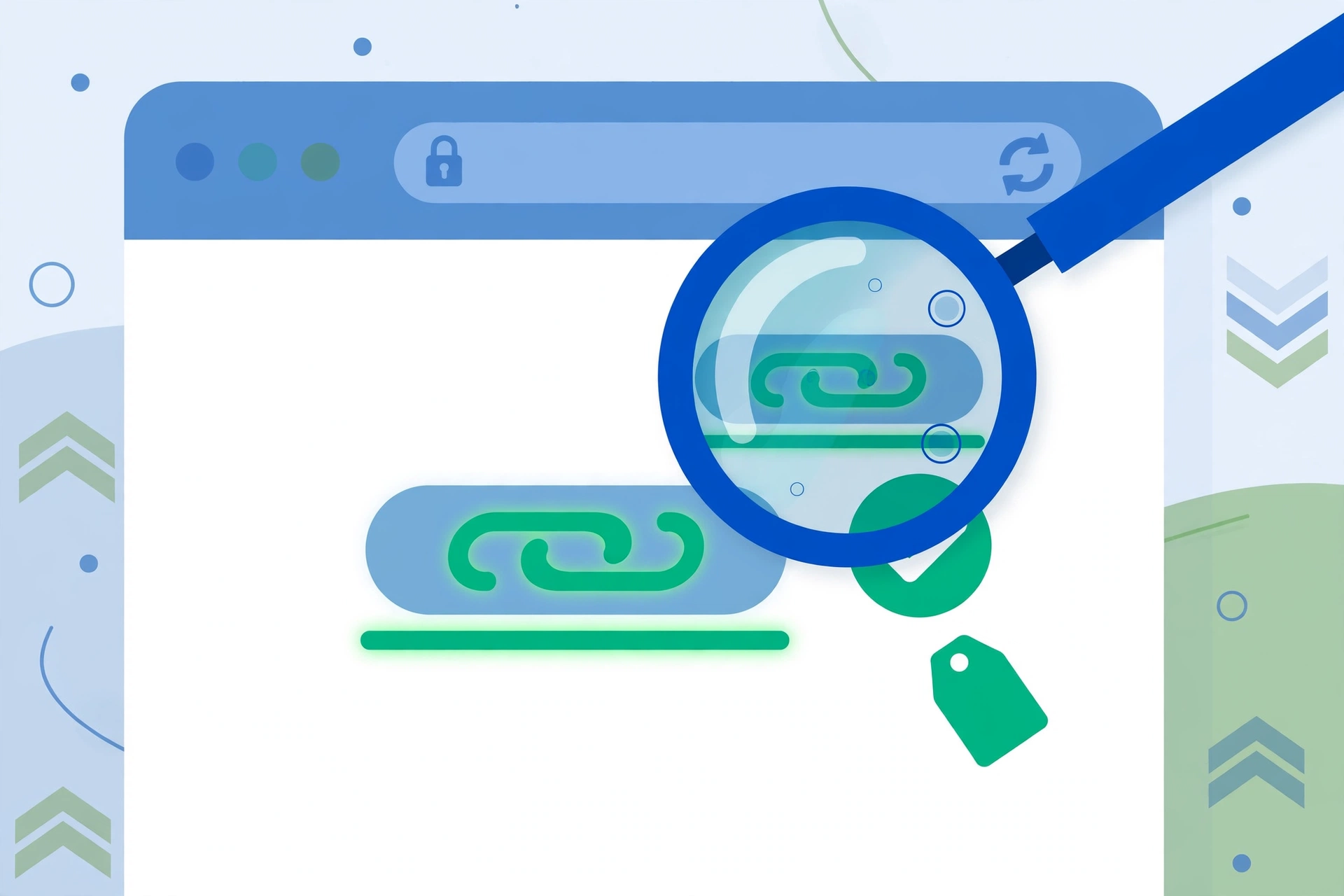
7 Powerful Tools for Effortless Backlink Monitoring
When buyers ask how to track backlinks without drowning in spreadsheets, these are the tools practitioners actually reach for:
- 1. Google Search Console (free): the Links report shows backlinks Google has found to your site, including top linking sites and anchor text. It only covers verified properties and shows a sample, but it is first-party data straight from Google — see Google’s Links report documentation.
- 2. Ahrefs: the industry standard — new/lost link alerts, anchor-text distribution, dofollow/nofollow filters. Best when you’re managing dozens of placements.
- 3. SEMrush: strong backlink-audit workflows plus toxic-link flagging; useful as a second opinion on placement quality.
- 4. Moz Link Explorer: Domain Authority context and some lost-link data free; handy for quick spot checks.
- 5. Ubersuggest: free backlink report with spam score and first/last-seen dates — enough for small buyers.
- 6. Free backlink checkers: tools like Collaborator’s free backlink checker give fast snapshots of any domain’s strongest and newest links with no signup — ideal for verifying placements you don’t own.
- 7. Google Alerts: free mention monitoring for your brand or target URL — catches new placements and quiet removals as pages change.
The key to learning how to track backlinks effortlessly is automation: switch on new-link and lost-link email alerts in your tool of choice, and let it tap you on the shoulder instead of manually re-checking placements every week.
Retention Monitoring for Rented and Subscription Links
Link rental arrangements make retention monitoring non-negotiable: you pay monthly for a link that must stay live, dofollow, and unchanged. This monthly cadence is how to track backlinks on rental agreements without letting silent downgrades eat your budget — re-run the five-point checklist on every rented placement, every month. Watch for quiet changes: a nofollow flip, an anchor swap, or the article moving to an archive URL. Log each check with a date.
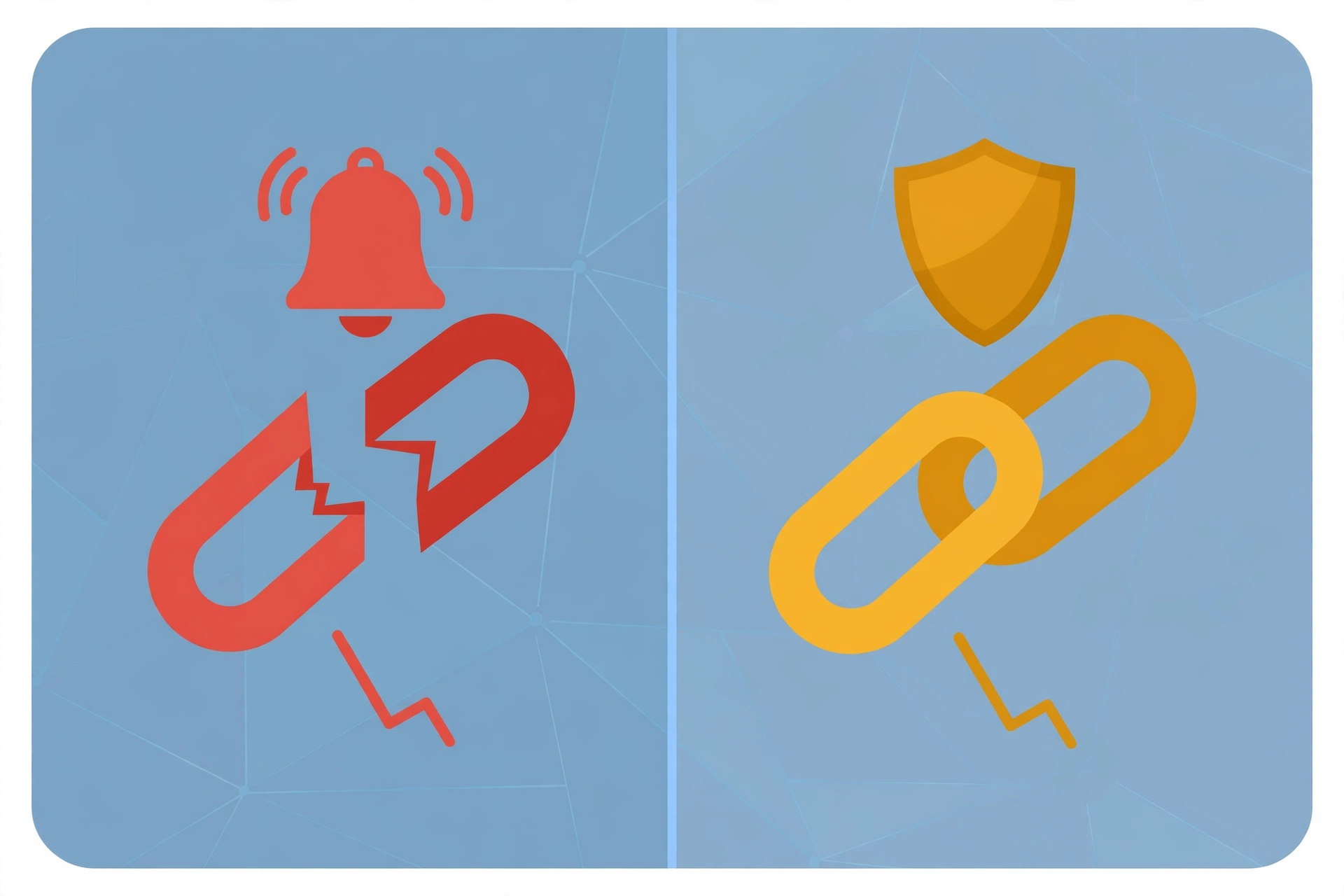
When a Bought Link Disappears: The Replacement-or-Refund Workflow
Pages get deleted, sites redesign, domains expire — have this workflow ready before it happens:
- 1. Confirm it’s really gone: check the live page, a cached copy, and your tracking tool. A temporary outage isn’t a lost link.
- 2. Check your agreement: reputable sellers guarantee a replacement or refund window — typically 30–90 days, or the full term for rentals.
- 3. Request a replacement first: restoring the link or moving it to an equivalent page is usually faster than a refund and keeps link velocity stable.
- 4. Escalate to refund or credit: if replacement isn’t possible, claim what your terms promise. Your placement ledger is your evidence.
- 5. Backfill the gap: a lost dofollow link from a strong page deserves a replacement in your pipeline.
Keep a Placement Ledger
A ledger is the simplest answer to how to track backlinks at any real buying volume: one spreadsheet row per placement — linking URL, target page, anchor, attribute, price, order date, verification date, status. Pair it with a backlink report template if you report to clients. Over a year, that ledger becomes your proof of ROI and your leverage in every replacement conversation.
Frequently Asked Questions
How often should I check my bought backlinks?
Verify each placement within 48 hours of delivery, then run a full retention pass monthly. With lost-link alerts switched on, you’ll also hear about disappearances in near real time.
Can I track backlinks for free?
Yes. Google Search Console covers your own verified sites free, and free checkers from Moz, Ubersuggest, and Collaborator handle spot checks. Paid tools earn their keep past a handful of placements, mainly through automated lost-link alerts.
What is the simplest way to start learning how to track backlinks?
Open Search Console’s Links report, add one free backlink checker for other sites’ placements, and keep a spreadsheet ledger of every bought link. That trio covers verification, monitoring, and record-keeping with zero spend.
What should I do if a bought link has the wrong anchor text?
Contact the seller immediately with a screenshot — anchor mismatches are the most common delivery error and reputable sellers fix them fast. Don’t wait; the error compounds once the page is indexed with the wrong anchor.
How do I know if a bought link is actually indexed?
Check the hosting page is in Google’s index (a site: search on the exact URL works), then confirm your tracking tool picked the link up. A placement on a non-indexed page delivers a fraction of the value — flag it with the seller.
Should rented links be tracked differently from permanent placements?
Yes. Permanent placements need verification plus quarterly spot checks; rented links need monthly verification against the full checklist because you keep paying for them. Silent downgrades are the main rental risk.
Conclusion
Now you know how to track backlinks the way professional link buyers do: verify every placement against what you paid for, monitor retention with automated alerts, keep a placement ledger, and run a replacement-or-refund workflow when a link disappears. Tracking turns link buying from a gamble into a measurable channel. Ready for links you can actually verify? Browse vetted link opportunities on guestpostoffice.com — every placement structured for clean tracking from day one.