
Learning when to disavow toxic backlinks — and when to leave them alone — is one of the most misunderstood skills in SEO. The Google Disavow Tool is powerful: it tells Google to ignore specific links pointing to your site. But used carelessly, it can strip away link equity you spent years earning. The truth is that most websites should never touch the tool at all, while a small minority genuinely need it to recover from penalties or attacks. This guide walks you through both sides of that decision, so you know exactly whether to disavow or simply ignore them and keep building.
What It Actually Means to Disavow Toxic Backlinks
When you disavow a link, you are asking Google not to take that link into account when assessing your site. The request is submitted through Google Search Console as a plain text file listing URLs or entire domains you want ignored. Google describes the file as a “strong suggestion” rather than an absolute command — it typically honors the request, but it is not instant, and it only takes effect as Google recrawls and reprocesses the disavowed pages.
Google built this tool for advanced users dealing with links they are responsible for in some way — paid links, link schemes, or spammy link-building campaigns that violate the search engine’s quality guidelines. It was never meant as a general-purpose link cleanup utility. As Google’s own documentation warns, it is an advanced feature that can harm your site’s performance in search results if used incorrectly.
That distinction matters because the phrase “toxic backlinks” gets thrown around casually by SEO tools. A link flagged as toxic by one tool’s algorithm is often harmless in Google’s eyes. Google’s algorithms have become extremely good at ignoring irrelevant, spammy links on their own — the company has said repeatedly that it is “really, REALLY good at ignoring links that are irrelevant to the site they are pointing at.” So the decision to disavow toxic backlinks should be deliberate, evidence-based, and rare.
When You Should Disavow Toxic Backlinks
According to Google’s official guidance, you should disavow toxic backlinks only when two conditions are both met:
- You have a considerable number of spammy, artificial, or low-quality links pointing to your site — not one or two odd links, but a meaningful pattern.
- The links have caused a manual action, or likely will cause one — meaning a human reviewer at Google has flagged your site for unnatural links, or you have strong reason to believe one is coming.
Here are the real-world scenarios where both conditions typically hold:
You have a manual action for unnatural links
If the Manual Actions report in Google Search Console shows “Unnatural links to your site,” this is the single clearest reason to disavow toxic backlinks. A manual action means a human reviewer has already decided your link profile violates Google’s guidelines. Recovery requires documenting genuine cleanup effort: you must attempt to remove the offending links (or get site owners to remove them), and then disavow the ones you cannot get removed. After submitting, you file a reconsideration request explaining what you did.
You participated in link schemes that left a trail
Sites that bought links at scale, built private blog networks, or ran automated link-blast campaigns in the past often carry a legacy of manipulative links. If your rankings dropped sharply and your backlink profile shows patterns Google’s webspam team would clearly consider manipulative — sitewide paid links, exact-match anchor text from hundreds of unrelated domains, links from deindexed sites — cleaning up those links is sensible. If you have ever bought backlinks from questionable sources, auditing that legacy is worth your time.
You are the target of a serious negative SEO attack
Mass negative SEO attacks — thousands of junk domains blasting your site with irrelevant anchor text overnight — do happen, though they are rarer than the SEO industry makes them sound. If you can verify a sudden, massive spike of spammy links that you clearly did not create, disavowing the offending domains is a legitimate defensive move. Document everything: dates, volumes, and the nature of the attack.
When You Should NOT Disavow Toxic Backlinks
Far more often, the right move is to do nothing. Google itself advises most site owners never to use the tool. Here are the situations where you should keep your disavow file empty:
- A tool flagged some links as “toxic.” Toxicity scores are estimates made by third-party software, not Google verdicts. A high toxicity score with no manual action and no traffic loss means nothing actionable.
- You have a handful of spammy links. Every site on the internet accumulates odd links over time. A few low-quality links from random directories or blog comments are normal and harmless — Google expects them.
- The links are nofollow. Nofollow links from comments, forums, and social profiles do not pass ranking signals, so there is almost nothing to gain by disavowing them. Compare this with legitimate contextual placements like niche edits and guest posts, which are follow links Google actually counts.
- Someone told you to disavow “preventatively.” There is no such thing as a preemptive disavow that helps. Disavowing links you cannot prove are harmful risks throwing away good link equity.
- Your rankings dropped for an unknown reason. A traffic drop is not proof of a link problem. Core updates, technical issues, and content quality are far more common culprits. Diagnose first; disavow toxic backlinks only when the evidence points at links.
How to Audit Your Backlink Profile Before You Disavow
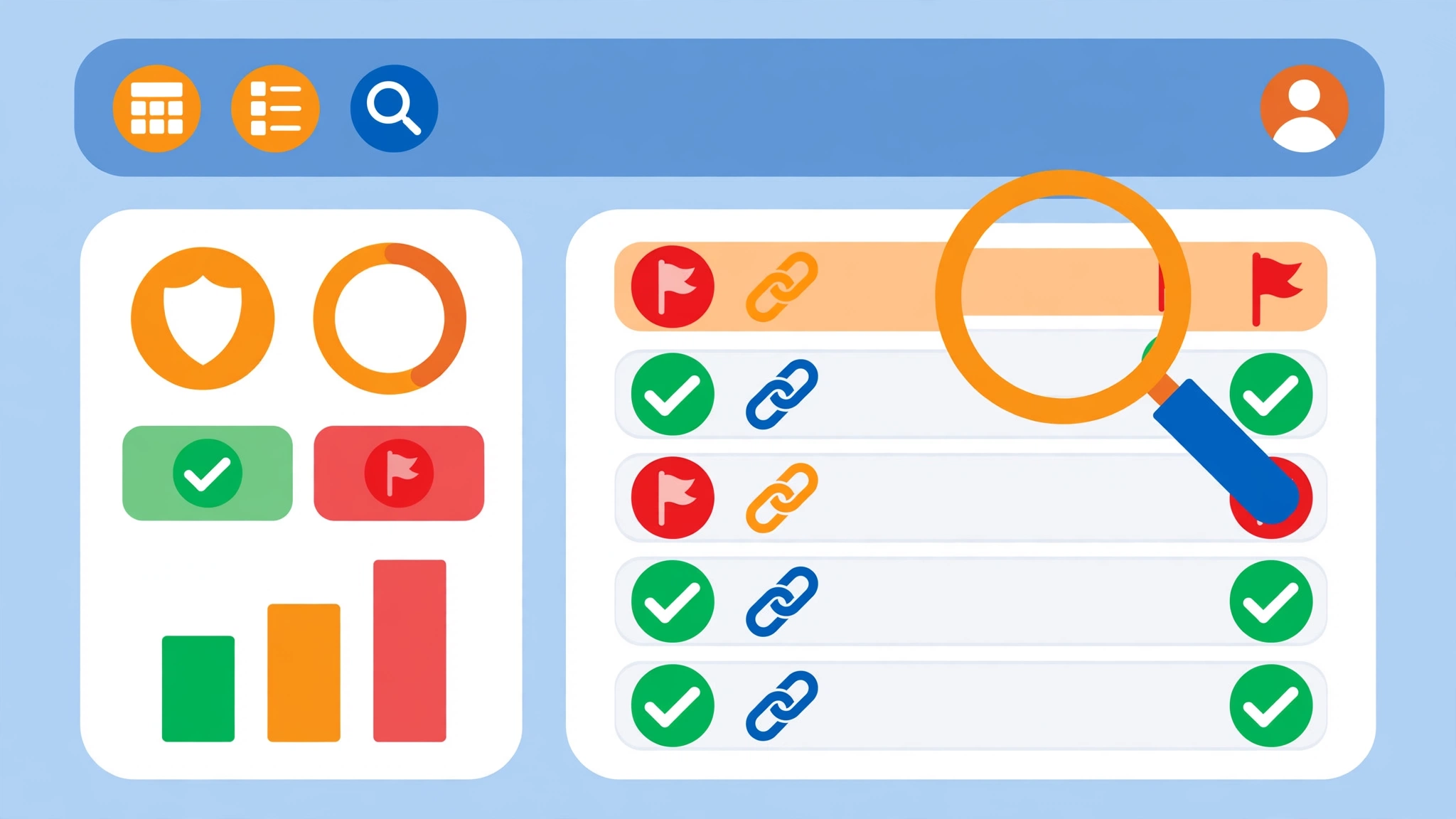
A disavow decision is only as good as the audit behind it. Rushing this step is how sites end up disavowing links that were actually helping them rank. Give yourself a proper audit before you decide to disavow toxic backlinks:
- Export your links. Start with Google Search Console’s Links report — it is free and it shows exactly the links Google knows about. Export the top linking sites. For deeper analysis, supplement with data from a third-party tool such as Ahrefs or Semrush, but treat their toxicity scores as a starting point, never a verdict.
- Look for patterns, not isolated links. Dangerous profiles show patterns: hundreds of links from the same template of spammy domains, sudden spikes in referring domains that do not match your own link-building activity, waves of irrelevant anchor text (adult, gambling, pharmaceutical), or links from entire domains that no longer exist in Google’s index.
- Manually inspect the worst offenders. Open the suspicious domains. Ask yourself: would I be comfortable with my brand publicly associated with this site? If it is a hacked site, a link farm, a directory of pure spam, or a casino site pointing at your plumber’s blog, it is a genuine candidate for removal.
- Check the basics. Confirm the domain is not indexed by searching site:example.com in Google — a completely deindexed domain is a red flag. Check whether the link is nofollow (usually ignorable). Look at where the link sits on the page: footer and sidebar links at scale are more suspicious than a single in-content mention.
- Document every decision. For each domain you consider disavowing, write down why. This documentation becomes your safety net if you later need to reverse the disavow, and it demonstrates good faith if you ever file a reconsideration request.
How to Disavow Toxic Backlinks: Step by Step
If your audit has confirmed that you genuinely need to disavow toxic backlinks, here is the safe, deliberate process to follow:
Step 1: Try manual removal first
Google’s preference is clear: ask the site owner to remove the link before you disavow it. Find a contact email or form, send a polite request, and keep records of every outreach attempt. Manual removal is better than a disavow because it does not depend on Google honoring your request, and it demonstrates genuine cleanup effort during reconsideration. Many webmasters comply — especially on abandoned or compromised sites, the request is often handled by a hosting provider rather than a hostile owner.
Step 2: Build the disavow file
Open a plain text editor (Notepad, TextEdit in plain-text mode) and list only the links you could not remove. One entry per line. To disavow toxic backlinks from a single page, use the full URL. To disavow everything from a spammy domain — which is usually the right call when the whole site is a link farm — use the domain: directive. Add comments with # to document your reasoning:
- # Contacted owner 2026-09-14, no response; link farm with 400 outbound links
- domain:spammy-links-example.com
- # Paid directory link, owner demanded fee for removal
- https://cheap-directory-example.net/listing/page123
Step 3: Submit through Google Search Console
Open the Google Disavow Links tool, select the correct property, and upload your .txt file. Google will confirm receipt. Remember that one property holds one disavow file — uploading a new file replaces the previous one entirely, so always keep a versioned backup (for example, disavow-2026-10-reviewed.txt) and upload the complete updated list each time.
Step 4: Monitor and keep building good links
The file is processed within days, but ranking effects take weeks to months as Google recrawls the disavowed pages. Track recovery through impressions and clicks in Search Console rather than daily rank checks. In parallel, keep earning high-quality links — a strong profile of legitimate links dilutes the weight of any remaining bad ones far more effectively than endless pruning. Google’s own announcement of the tool, published on the Google Search blog, stresses that the tool was built for advanced webmasters dealing with links they could not otherwise remove — not as routine maintenance.
Disavow File Format Rules
A malformed file can silently fail. Follow these formatting rules exactly:
| Rule | Details |
|---|---|
| File type | Plain text (.txt) only, encoded as UTF-8 or 7-bit ASCII |
| Size limit | Maximum 2MB per file |
| One entry per line | Each URL or domain directive on its own line |
| Domain directive | domain:example.com disavows all links from that domain |
| Specific URLs | Use the full URL, e.g. https://example.com/bad-page |
| Comments | Lines starting with # are ignored — use them to document your reasons |
| One file per property | Uploading a new file replaces the old one; always upload the complete list |

Mistakes That Hurt More Than the Bad Links
Most disavow damage is self-inflicted. Watch out for these errors before you upload anything:
- Disavowing without a penalty or attack. This is the number one mistake. Casual disavows remove link equity you cannot easily get back, and Google may simply ignore arbitrary requests.
- Trusting tool scores blindly. A “toxic” flag from software is not evidence. Always combine tool data with manual inspection of the actual linking pages.
- Disavowing whole domains when a single URL would do. The domain: directive is convenient but blunt. If only one page on a legitimate site links to you in a spammy way, disavow the URL, not the entire domain.
- Uploading partial updates. Because a new upload replaces the previous file, uploading only your new additions silently cancels all your old disavows. Always maintain one master file.
- Forgetting to keep backups. Without a copy of the exact file you submitted, reversing a mistaken disavow becomes guesswork. Version every submission with a date.
- Treating the disavow as a substitute for good link building. The fastest way to make bad links irrelevant is to earn great ones. If your link-building strategy relies on safe, white-hat placements, the occasional spammy link becomes statistical noise.
FAQs
When should I use the Google Disavow Tool?
Use it only when you have a considerable number of spammy, artificial, or low-quality links pointing to your site AND those links have caused a manual action — or are likely to cause one. Both conditions should be met. For ordinary low-quality links with no penalty and no traffic loss, Google’s algorithms already ignore them, and disavowing adds risk without benefit.
Can disavowing links hurt my SEO?
Yes, if you disavow the wrong links. The tool tells Google to ignore the listed links entirely, so accidentally disavowing legitimate, high-authority backlinks removes real link equity and can drop your rankings. This is why every entry should be backed by manual inspection and documented reasoning, and why speculative or preemptive disavows are dangerous.
How long does it take for a disavow to take effect?
Google processes the uploaded file within a few days, but visible ranking effects usually take weeks or even months. Google must recrawl and reassess the disavowed pages before the change is reflected in its systems. If you are recovering from a manual action, the timeline also includes the reconsideration request review. Track progress through Search Console impressions and clicks, not daily rank checks.
Should I try to remove bad links manually before disavowing?
Yes — Google explicitly recommends it. Contact the site owner, politely request removal, and document every attempt with dates. Manual removal is preferable because it does not rely on Google honoring a suggestion, and documented outreach strengthens any reconsideration request. Only add links to your disavow file when removal attempts fail or the site owner is unreachable.
Can I reverse or cancel a disavow?
Yes, disavows are reversible. Download or reconstruct your disavow file, remove the entries you want to reinstate, and upload the revised complete file through the Disavow Tool. Alternatively, you can cancel all disavowals for a property from within the tool. Keep versioned backups of every file you submit so reversals are precise rather than guesswork.
Do I need to disavow nofollow or spammy comment links?
Almost never. Nofollow links do not pass ranking signals, so disavowing them provides no benefit. The same goes for isolated spammy comment or forum links — they are normal background noise that Google’s algorithms handle automatically. Reserve the tool for large-scale manipulative link patterns, paid link schemes, and confirmed manual actions.
The disavow tool is a scalpel, not a broom. Used at the right moment — a manual action, a legacy of link schemes, a verified attack — it is the fastest path to recovery. Used casually, it quietly deletes the link equity your rankings depend on. Audit carefully, document everything, disavow sparingly, and invest most of your energy where it actually compounds: earning links worth keeping.