
Of every link building tactic available in 2026, resource page link building is the friendliest one a beginner can learn. You are not begging bloggers to publish your guest post, not buying shady links, and not sending 5,000 generic emails into the void. You are simply finding pages whose entire purpose is to link out to great resources — and offering them a resource that genuinely belongs on the page. This resource page link building playbook walks you through the whole process: building a linkable asset, finding and qualifying prospects with search operators, and writing outreach emails that get replies.
What Is Resource Page Link Building?
Resource page link building is the practice of earning backlinks from webpages that curate lists of helpful links around a topic — pages often titled “Resources,” “Helpful Links,” “Recommended Tools,” or “Useful Websites.” Universities, nonprofits, industry associations, government agencies, and established blogs maintain these pages as living directories for their audiences. When you contact the person maintaining the page and suggest your genuinely useful resource for inclusion, the ask is tiny: one link added to a page that already exists to collect links.
Why Resource Pages Are the Easiest “Yes” in Link Building
The incentive alignment is the entire reason this resource page link building tactic works. When you pitch a guest post, you ask a site owner to do work outside their normal routine. When you email a resource page maintainer, you are helping them do their job — keeping their curated list comprehensive and current. Their page gets better, their readers get a new resource, and you get a contextual, editorial backlink.
The receptiveness is conditional: a curator will list a free, genuinely useful guide, tool, template, or data study — and ignore a pricing page dressed up as a “resource” every time.
Step 1: Build Your Linkable Asset Before You Send a Single Email
This is the step almost everyone skips, and it decides the entire resource page link building campaign. Resource pages link to resources, not businesses. If the only URL you can offer is your homepage, pricing page, or a thin 600-word blog post, stop here and create something worth curating first. No volume of outreach fixes a weak asset.
Assets that win placements
- Definitive beginner’s guides — the single best 3,000+ word explainer on a sub-topic in your niche
- Free tools and calculators — mortgage calculators, audit checklists, template libraries
- Original data and statistics pages — survey results, industry benchmarks, annual reports
- Glossaries and reference pages — the “define every term” pages curators love to link
- Curated directories of your own — a well-organized hub page can itself be resource-listed
Assets that never get listed
- Service pages, sales pages, and “why choose us” pages
- Generic blog posts that repeat what already ranks
- Affiliate-heavy roundups
- Pages behind email gates (curators link to things readers can open)

Step 2: Find Resource Pages with Search Operators
The fastest way to find prospects for resource page link building is Google itself. Resource pages use predictable wording, so search footprints reveal them instantly. Take your topic keyword and combine it with these operators — replace keyword with your niche term:
| Search footprint | What it surfaces |
|---|---|
| keyword intitle:resources | Pages with “resources” in the title |
| keyword inurl:resources | URLs containing /resources/ paths |
| keyword “helpful resources” | Classic curated link lists |
| keyword “useful links” | Old-school links pages (often well maintained) |
| keyword “recommended tools” | Tool-focused resource pages |
| keyword “further reading” | Academic and nonprofit reading lists |
| keyword “best blogs” | Non-obvious roundups that link out freely |
| keyword “external resources” | Government and association directories |
Do not stop at Google’s first page — many of the best-maintained resource pages rank on page 3 or beyond because they are not optimized to rank; they are optimized to curate. Also try Bing, which surfaces older institutional pages Google sometimes buries. Export everything into a spreadsheet before you start outreach.
Step 3: Reverse-Engineer Your Competitors’ Placements
Footprint searching is the obvious lane. The higher-yield lane in resource page link building is competitor backlinks. If a rival already earns links from resource pages, those curators have proven — on the record — that they link to pages like yours. Pull any competitor into a backlink tool (Ahrefs, Semrush, or Moz), filter their referring domains for pages whose URL or title contains “resources,” “links,” or “recommended,” and you have a pre-qualified prospect list handed to you by your competitor’s own marketing.
This one move also filters out dead ends automatically: any page linking to a live competitor’s asset is, by definition, maintained and willing to link to commercial-adjacent content. Prioritize these prospects above your cold footprint list.
Step 4: Qualify Every Prospect with the 6-Point Filter
In resource page link building, a raw list of scraped URLs is mostly junk. Run each candidate through this filter before you write a single email — ten qualified prospects beat a hundred unqualified ones:
| Check | Pass signal | Fail signal |
|---|---|---|
| Maintained? | Updated within the last year, working links | Dead links everywhere, last touched in 2018 |
| Topically relevant? | Page theme matches your asset’s sub-topic | Broad “marketing resources” page for a niche tool |
| Editorial outbound links? | Links to trusted orgs, guides, tools | Casino, CBD, or paid-placement footprints |
| Contact path? | Named maintainer, “suggest a resource” form | Anonymous contact form only |
| Realistic target? | Links to sites of your caliber | Only links to .edu/.gov or its own pages |
| Authority + traffic? | Real organic presence on the domain | Zero traffic, parked-looking domain |
Note that relevance outranks authority here. A modest niche page that exactly matches your topic passes more value — and converts more often — than a high-authority page where your link would look like a misfit.
Step 5: Plan Backwards from the Funnel Math
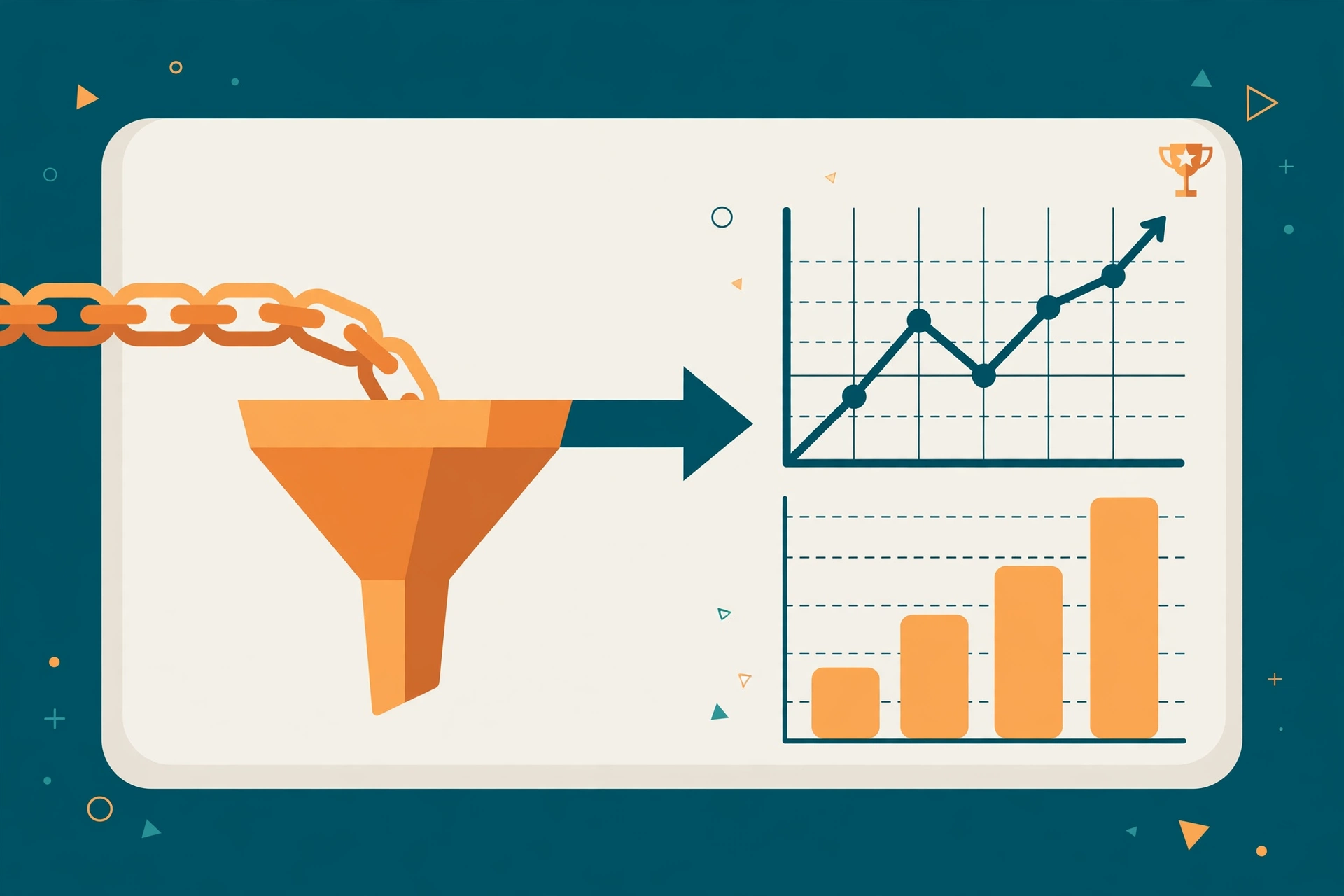
Most beginner resource page link building campaigns fail before the first email because nobody did the arithmetic. Resource page link building is a funnel, and realistic benchmarks look roughly like this:
| Stage | Typical conversion |
|---|---|
| Raw prospects found | 100% |
| Survive qualification filter | ~30–40% |
| Emails delivered and opened | ~40–60% of sends |
| Replies | ~8–15% of qualified sends |
| Links placed | ~3–8% of qualified sends |
Read that last row carefully: to land 10 placements, you need roughly 150–300 qualified prospects. Plan your prospecting effort against a placement target, not a “send 50 emails and hope” instinct. The funnel also explains why qualification matters — every hour spent pitching dead pages is effort multiplied by zero.
Step 6: Write the Email That Gets Replies
The winning resource page link building outreach email is short, specific, and free of flattery. Prove you looked at the actual page, give a genuine reason it is relevant right now, name your asset in one sentence, and make the ask low-effort:
Subject: Resource suggestion for your [Topic] page
Hi [Name],
I found your [Exact Page Name] while researching [Topic] — the section on [Specific Section] was genuinely useful.
Wanted to suggest one addition for your readers: [Resource Name]
[URL]
It covers [one-sentence benefit], and I think it could fit well under your [Section Name] section. Either way, thanks for maintaining the page.
Best,
[Your Name]
The broken-link variation (2–3x the reply rate)
Before pitching, scan the page for dead outbound links. If you find one, your email opens by doing the maintainer a favor — reporting the broken link — and your asset becomes the natural replacement. Never claim a link is broken when it is not; curators check, and dishonesty burns the relationship permanently.
Follow up twice, then stop
Send one follow-up after 5–7 business days and a final one a week later. Most placements come from follow-ups — maintainers are busy, not uninterested. After the third touch, stop: more emails damage your brand.
The Step Everyone Skips: Deliverability
A perfect resource page link building email that lands in spam converts at zero percent. Before your first send, set up the technical basics:
- SPF, DKIM, and DMARC records on your sending domain — non-negotiable in 2026, since Gmail and Outlook filter unauthenticated mail aggressively
- Warm up the mailbox for 2–3 weeks before campaigns, ramping from a handful of emails per day
- Cap daily volume at 20–40 personalized sends per mailbox per day; blast hundreds and you burn the domain
- Use a plain-text style template with minimal links and no images — HTML-heavy “newsletter” emails scream bulk sender
- Test subject lines with small batches: “Quick question about your [Topic] resources” vs. “Found a broken link on your [Topic] page” — then scale the winner
The “Gap-First” Play: Build What Their Page Is Missing
Here is a resource page link building angle almost no beginner guides mention. Instead of pitching your existing asset to every page, audit five target pages first and look for what they all fail to cover — a missing sub-topic, an outdated statistic, a section with broken links and no good replacement. Then create the asset that fills that gap, and pitch it as the fix.
This reverses the usual dynamic: you are no longer one of fifty people asking for a favor, but the person who solved the maintainer’s content gap. Your pitch writes itself — “I noticed your page doesn’t cover [X]; I just published a [guide/tool] on exactly that” — and gap-first pitches consistently beat generic ones because the relevance is undeniable.
Beyond the Basics: .edu Pages, Nofollow, and Paid Listings
Don’t write off .edu and nonprofit pages
Many guides tell you to skip university resource pages because they only link to .edu sites. That is half true — and half an opportunity. University library subject guides, department resource hubs, and student-organization pages frequently link to external tools and guides. Find the specific librarian or program coordinator via the staff directory (never the generic contact form), and pitch free resources useful in a classroom context: templates, glossaries, calculators.
The nofollow question
Many institutional resource pages mark outbound links nofollow (or sponsored/ugc). Google treats these as hints rather than strict directives, so a nofollow link from a relevant, trafficked page still drives referral visits and topical signals. Do not disqualify a page for nofollow alone — but weight your effort toward pages that link editorially with followed links.
When money enters the picture, walk carefully
Some resource pages charge “listing fees.” The moment payment buys the placement, Google’s spam policies classify it as a link scheme: paid links are either algorithmically neutralized or, at worst, earn you a manual action. Legitimate paid directories exist, but their links should carry rel=”sponsored” and be bought for the traffic, not the ranking value. If you want paid links done safely, read our guide on whether buying backlinks is safe before spending a dollar, and compare the real cost of guest posts by DR tier so you know what legitimate placements actually cost.
After the Placement: Squeeze More Value from Every Link
Landing the link is not the finish line of a resource page link building campaign:
- Check the anchor text. Curators choose it, not you — but if it is a raw URL and you have a relationship, a polite request for a descriptive anchor is sometimes honored. Never push for exact-match anchors; that is a footprint.
- Build tier-2 links to the resource page. A few social shares, a mention in your newsletter, or a link from your own resources page helps the curator’s page gain authority — which flows to you. This is one of the few places second-tier link building is unambiguously safe.
- Monitor the placement. Resource pages get redesigned; set a quarterly check (or an Ahrefs backlink alert) so you catch removals early and can ask for reinstatement while the relationship is warm.
- Thank the maintainer. A short thank-you note plus sharing their page with your audience turns a one-off placement into a contact who says yes the next time you publish something link-worthy.
For a deeper dive into ethical, sustainable link acquisition strategies, Ahrefs’ link building guide is a solid companion read to this playbook.
FAQs
What is resource page link building?
Resource page link building is earning backlinks from webpages that curate lists of helpful links on a topic, such as university “resources” pages or nonprofit directories. You contact the page’s maintainer and suggest your genuinely useful guide, tool, or data study for inclusion. Because the page already exists to link out, conversion rates beat cold guest-post pitching.
How do I find resource pages in my niche?
Use Google search operators combining your topic keyword with phrases like intitle:resources, inurl:links, “helpful resources,” “useful links,” “recommended tools,” and “further reading.” For higher-quality targets, reverse-engineer competitors: pull a rival’s backlinks in Ahrefs or Semrush and filter for referring pages with “resources” or “links” in the URL or title. Pages already linking to competitors are pre-qualified to link to you.
How many resource page links do I need to rank?
There is no fixed number — Google weighs relevance and editorial context far above raw link count. A handful of links from maintained, trafficked, topically relevant resource pages will outperform dozens from abandoned or off-topic lists. Plan using funnel math instead: with a typical 3–8% placement rate on qualified sends, landing 10 links requires roughly 150–300 qualified prospects.
Is resource page link building still effective in 2026?
Yes — it produces exactly the link Google still rewards: an editorial, one-way link from a relevant page, given freely by a curator. What changed is the bar: thin or gated assets don’t get placed, and outreach without SPF/DKIM/DMARC authentication lands in spam. It works when built on a genuinely useful resource with clean, personalized outreach.
Are resource page links nofollow?
Often, yes — especially on university, government, and large institutional pages that apply nofollow or ugc attributes. Google treats these as hints, not directives, so the links still drive referral traffic and topical relevance. Don’t reject a page for nofollow alone, but prioritize pages that link editorially with followed links when choosing outreach targets.
Can I pay for a resource page listing?
You can, but expect no ranking value. The moment money buys placement, Google’s spam policies classify the link as a link scheme, and paid links are typically neutralized or flagged in manual reviews. Legitimate paid directories should use rel=”sponsored” and be judged on referral traffic. The durable route is free: build an asset worth listing and invest in outreach.
Resource page link building rewards patience and relevance over volume. Build one genuinely linkable asset, qualify your prospects ruthlessly, plan your funnel math, and send emails a real human would reply to — and you will earn editorial links that survive every algorithm update. If you would rather shortcut the outreach grind entirely, Browse vetted link opportunities →